
Create a custom tote bag with your image, text, and layout choices.
Start the design flow, review the proof, and add the approved tote to cart when ready.
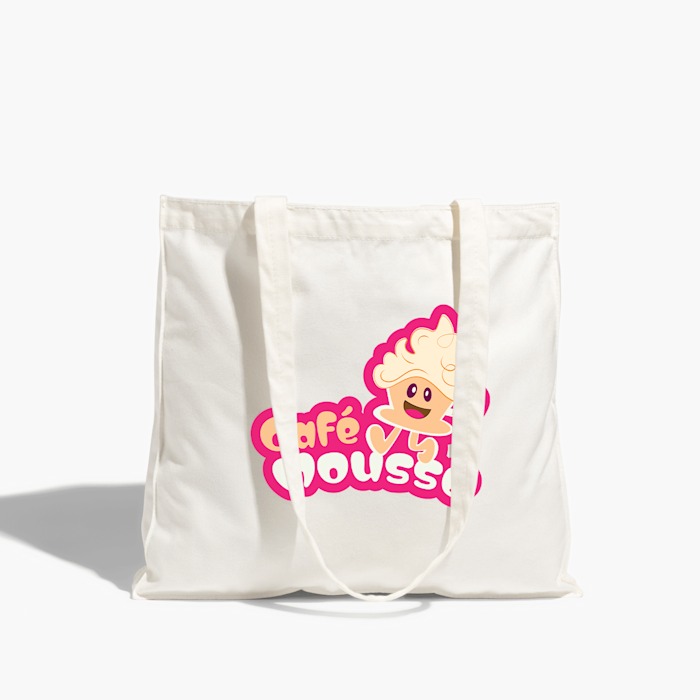
$21.99
& Free ShippingPersonalize the tote design, review the proof, and add the approved version to cart.
Choose the right product options for Custom Photo Tote Bag first. Then we will take you straight into the design studio so you can place your own artwork on the product.
Create a custom tote bag with your image, text, and layout choices.
Start the design flow, review the proof, and add the approved tote to cart when ready.
The Studio opens after product setup. Artwork is placed on the configured print surface, saved to a project, and reviewed as a proof before cart unlock.
The cart receives the selected product setup, project reference, and approved proof reference together so support and production can trace the design decision.